
🙌 Antigravity!
This site was created in a little over 2 weeks using Google’s Antigravity IDE.
I wanted a space to post articles and get creative with UX. I quickly chose GitHub Pages based on the ease of getting a basic site deployed and the cost. I hadn’t heard of Jekyll before, but I needed slick styling and liked the data separation in Markdown and blog management aspects. The built-in themes were just OK and I needed something more. The next day I downloaded Antigravity, and within an hour I had a custom Jekyll theme that was easily customizable and extendable. Antigravity has supercharged my productivity and creativity.
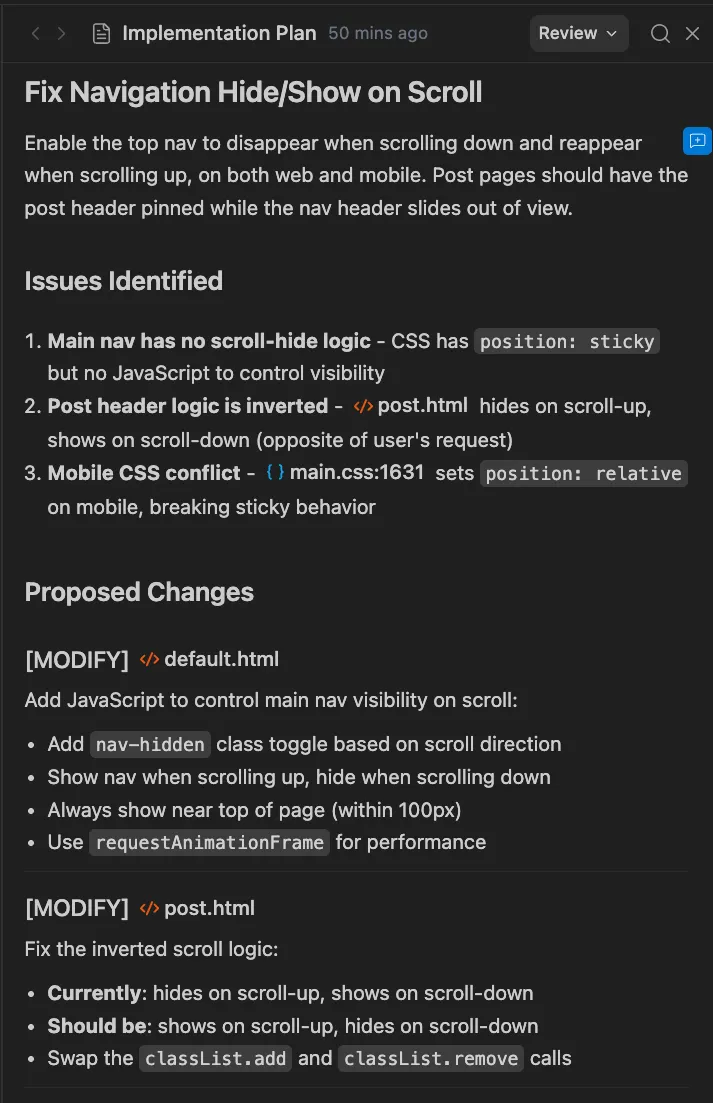
This is the first time I’ve seen a proper Implementation Plan, Task List, and Walkthrough by an AI Agent. The ability to influence the Implementation Plan with in-line comments before the task executes is brilliant and obvious at the same time. The Task List are fun to watch during Agent execution and do give an accurate representation of the progress. The Walkthrough are very detailed and the manual verification steps at the end remind me of the PR Test Steps enforced by development teams.

After completing a task the Agent asked for Browser Manipulation permissions that I cautiously, but curiously granted. Next it started scrolling through the site, taking screenshots and inspecting the DOM. The AI explained it was complete and showed me screenshots in the Walkthrough. One problem—no CSS was applied. While this functionality is interesting and is fun when it works, it does add extra time to the entire process and is still a WIP.
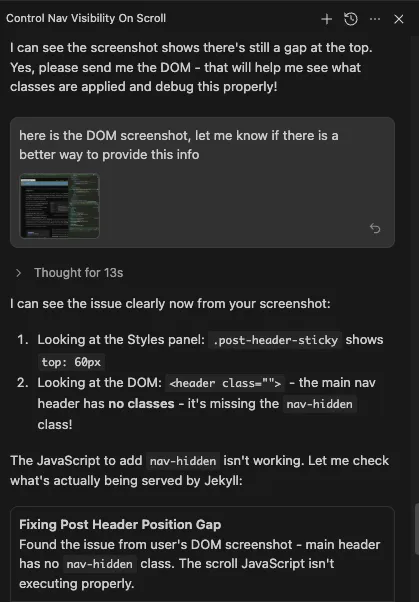
The organization in the Agent Chat is impressive, with the running tasks neatly displaying in sub-sections, and easy access to the task and code artifacts. The Agent is always agreeable and can usually spot the issue quickly (and is correct about 45% of the time). I find some problems the AI does get stuck on and clearing the chat history and giving the AI time to rest and sleep sometimes helps.
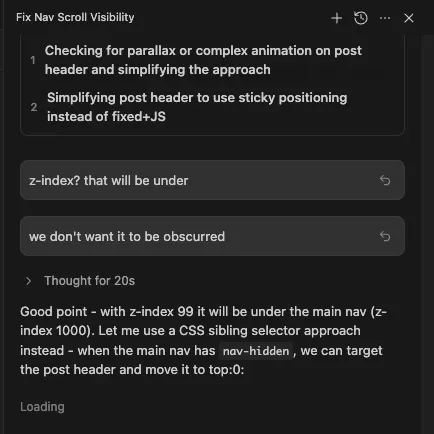
I started with the Agent Manager, but lately find myself prompting in the Editor more and ediiting at the same time. Prompting with pending comments during task execution that influences the results is cool and comes in handy. I ended up relying on manual verification and found that uploading screenshots with divs selected in Browser Dev Tools was effective for resolving issues quickly. Giving clear prompts and referencing images was helpful in guiding the AI to get the desired results.
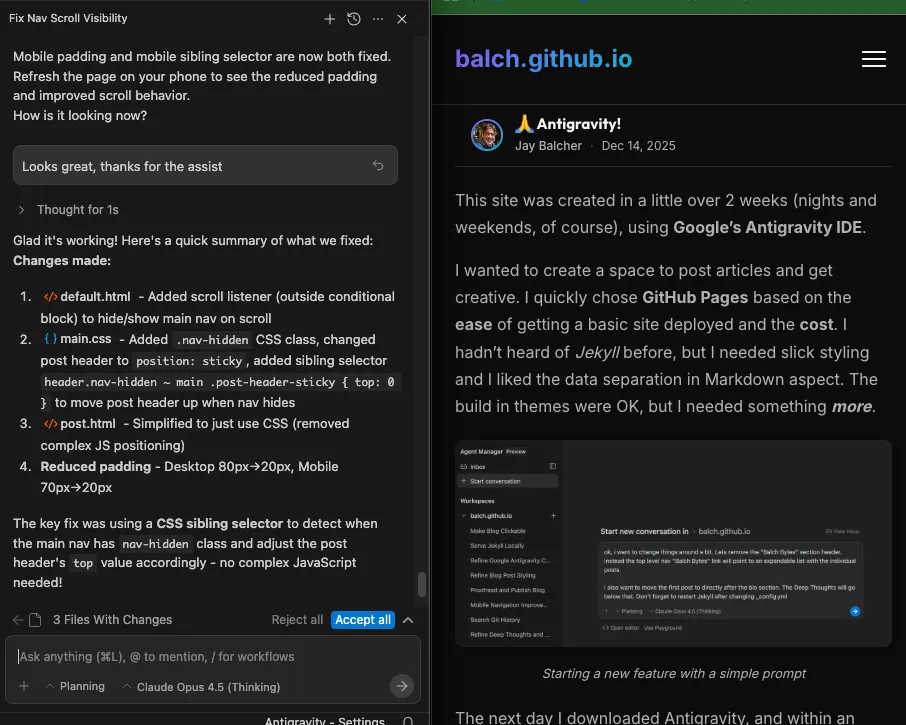
Using this method I was able to generate many features, averaging a couple hours per feature, as I watched sports on my reclining sofa. Some features I started in AI Studio and polished with opus-4.5 in Antigravity. Linking folders using Workspaces worked well for porting data and copy to build this site.
This site contains the following features: fade-in and parallax scrolling background image, single flow navigation, typewriter and other text reveal effects, haptics on Android devices, reactive UX with usable mobile support, Deep Thoughts, click to expand images, Classic Resume with 2 page printable format, and …
In the Imitation is the sincerest form of flattery category, I’m extremely impressed by the UX treatment on antigravity.google.
So far, Antigravity has been the slickest chat UX and most productive AI tool I’ve used-and the ROI is off the charts.